
Figma to WordPress With REST API
Building a Figma to WordPress with REST API workflow is one of the smartest ways to turn design systems into scalable, editable websites. If you want a figma dynamic wordpress setup that goes beyond static page exports, the REST API is what makes the connection flexible, future-ready, and easier to maintain.
If you are evaluating a partner or workflow for this process, the Figma2WP Service focuses on translating Figma designs into WordPress experiences that can support content-driven sites, custom fields, and dynamic updates. For project discussions, you can also use the Contact Us page.
Why API-driven website builds are changing the conversion workflow
The old way of converting design to WordPress often meant taking a static layout and manually rebuilding it page by page. That can work for a brochure site, but it breaks down quickly when content needs to change often, teams need non-technical editing, or the site must scale across many pages. A REST API-based workflow solves that by separating presentation from data and allowing WordPress to serve structured content dynamically.
In practice, that means a Figma design can define the visual system, while WordPress handles the content model, posts, custom post types, taxonomies, and fields that populate the interface. WordPress itself provides a REST API for accessing site data, which is a major reason it can function as a content platform for headless or hybrid builds.WordPress REST API
For design teams, this matters because a Figma file is usually a visual source of truth, not a content database. The most effective wordpress rest api implementation connects the two without forcing designers to hard-code every block of text, card, author, or post preview. That is the difference between a one-time conversion and a durable design system.
What “Figma dynamic WordPress” really means
When people talk about figma dynamic wordpress, they usually mean a site where the design created in Figma maps to reusable WordPress templates that pull content from the backend. Instead of designing 50 unique pages, you design a few layout patterns such as a blog post template, a service page template, a case study template, and a listing page. WordPress then fills those templates with live data.
This approach is especially useful for marketing websites, SaaS websites, agency sites, directories, and ecommerce content hubs. It is also a good fit when a brand wants a polished custom front end but does not want to give up WordPress editing workflows or content governance.
A common architecture looks like this:
- Figma defines the visual components, spacing, typography, and responsive behavior.
- WordPress stores content in posts, pages, custom post types, and custom fields.
- The REST API exposes that content for the front end or page templates.
- Dynamic sections render repeated content such as testimonials, blog cards, team members, pricing features, or portfolio items.
How the REST API supports scalable design-to-WordPress builds
The WordPress REST API makes it possible to read and write content programmatically, which is useful for integrating a custom front end, synchronizing content, or building structured templates that respond to data changes.WordPress Developer Resources
For a Figma-to-WordPress project, the REST API is valuable in four main ways:
- It lets the front end pull posts, pages, media, and custom content types from WordPress.
- It supports decoupled or headless patterns, where WordPress acts as the content engine.
- It reduces duplication by allowing one template to power many content entries.
- It enables structured content delivery for components designed in Figma.
If your design system includes repeatable elements like cards, accordions, feature blocks, or author bios, the API can feed those elements from WordPress rather than forcing manual entry every time. That makes updates faster and reduces the risk of inconsistencies between design mockups and published content.
Best use cases for API-connected Figma to WordPress projects
Not every website needs a fully decoupled stack, but many projects benefit from a hybrid implementation. Here are the strongest use cases for API-connected builds:
Content-heavy blogs and publications
Editorial sites often need custom templates for featured images, categories, authors, related posts, and promoted content. A REST API approach can keep these elements dynamic while preserving the brand’s visual system.
Service businesses with many landing pages
Agencies, consultancies, and local businesses often need dozens of service pages that share the same structure but vary by location, industry, or offer. A Figma design can define the template once, while WordPress and the REST API populate each version dynamically.
SaaS and product marketing websites
SaaS teams frequently change messaging, features, testimonials, integrations, and pricing. A dynamic WordPress layer lets marketers update content without redesigning the site each time the product evolves. For teams that want a clean content workflow, WordPress remains a practical option, especially when combined with custom fields and structured templates.
Case study and portfolio libraries
Design agencies and creative studios benefit from template-driven archives for work samples, project summaries, and results. A Figma system can define the look of the library while the REST API powers the actual content.
Tools and platforms commonly used in this workflow
Several products and ecosystems are relevant when implementing a design-to-WordPress pipeline. Some convert designs directly into WordPress structures, while others help with content modeling, data delivery, or front-end rendering.
- WordPress for content management, templates, plugins, and REST API support.
- Figma for design systems, collaboration, and component-driven UI work.
- Elementor for visual page building in WordPress.
- Gutenberg for native block-based editing workflows.
- Bricks for performance-focused WordPress site building.
- WordPress Developer Resources for REST API documentation and implementation guidance.
- Advanced Custom Fields for structured content fields that pair well with dynamic templates.
- Next.js for teams building a headless front end connected to WordPress.
There are also Figma-to-WordPress converters that illustrate how the market is moving toward more direct design translation. For example, FigWP, Figma to WordPress, Figma To WordPress Block, and UiChemy all point to the same market demand: faster movement from Figma layout to editable WordPress output.
A practical workflow for turning Figma into a REST API-powered WordPress site
To build a robust setup, the process should be designed around structure rather than one-off page export. The strongest results usually come from a sequence like this:
- Audit the Figma design and identify reusable components, content patterns, and page types.
- Map each design pattern to a WordPress content model such as posts, pages, custom post types, and custom fields.
- Define which sections should be static and which should be dynamic.
- Choose whether the site will be traditional WordPress, hybrid, or headless.
- Use the REST API to fetch content into templates or an external front end.
- Build responsive behavior so the design remains consistent across breakpoints.
- Test editor usability so non-technical users can update the site without breaking layouts.
This is where many projects fail: they convert the pixels first and think about the content model later. A better strategy is to plan the data structure before implementation, because that determines whether the site is genuinely maintainable.
How real projects benefit from dynamic content mapping
Consider a consulting firm with 25 service pages, 40 case studies, and a growing team directory. If each page is hand-built in WordPress, every change becomes a design and development task. But if the site is structured properly, the firm can edit service summaries, add case studies, and publish staff updates without touching the template.
Another example is a SaaS company launching feature pages for multiple verticals. The base design might include hero sections, proof points, screenshots, FAQs, and testimonials. Once the layout is created in Figma, WordPress can handle the content by category or product line, and the REST API can feed those pages dynamically into a front end or WordPress template. That gives the marketing team speed while preserving consistency.
A third example is a creative agency portfolio. Instead of building each project page manually, the agency creates a single case study template in Figma and WordPress. The title, challenge, solution, deliverables, outcomes, and images are then pulled from custom content fields. This is much easier to scale, especially when the agency wants to publish frequently.
Where Figma-to-WordPress automation helps and where it does not
Automation is useful, but it is not a replacement for architecture. The best converters and workflows can accelerate production, reduce handoff friction, and preserve visual consistency. They do not, by themselves, solve content modeling, performance, SEO, or editorial governance.
Tools like UiChemy and other converters can speed up implementation by translating design structures into page-builder-ready layouts, while more advanced workflows can generate themes or plugin scaffolds from Figma input. The source material you provided also notes products such as OnPress and other converters that promise Figma-to-WordPress generation, including paths that support plugin or theme output directly from a Figma design or share link.
That said, a dynamic site still needs thoughtful WordPress architecture. The REST API is only one part of the equation. You still need a content strategy, a schema for structured data, and a plan for how editors will maintain the site over time.
SEO considerations for REST API-based WordPress builds
When WordPress is used as the content layer, SEO still depends heavily on how pages are rendered and structured. Search engines need crawlable HTML, clear heading hierarchy, meaningful internal links, image alt text, and fast-loading pages.
For most businesses, a hybrid approach is often the safest choice because it combines dynamic content with server-rendered pages. Headless setups can still rank well, but they require careful implementation so content is visible to search engines and performance remains strong. If a team chooses a full headless stack, frameworks such as Next.js or similar server-side rendering approaches are often used to ensure the content is indexable.
Key SEO elements to keep in mind include:
- Consistent use of semantic headings in the WordPress templates.
- Clean permalink structures for dynamic archives and single entries.
- Schema markup for articles, products, services, and FAQs where appropriate.
- Optimized images exported from Figma and compressed before publishing.
- Fast load times and minimal script overhead.
Why teams in the USA, UK, and Canada are adopting this approach
Across the USA, UK, and Canada, businesses are under pressure to launch polished websites quickly while keeping internal teams productive. Marketing teams want pages they can update without dev tickets. Design teams want fidelity to the original Figma system. Developers want fewer repetitive builds and cleaner architecture.
A wordpress rest api workflow supports that balance because it allows content to change independently of the design system. That is especially valuable for industries with frequent updates such as technology, real estate, healthcare, education, and professional services. It also fits agencies serving clients who expect ongoing iteration rather than a one-time website launch.
How a professional implementation is typically handled
In a production-grade engagement, the process usually includes discovery, design review, content modeling, technical planning, build execution, QA, and editor training. The design file is analyzed for patterns, the WordPress architecture is mapped around those patterns, and the delivery plan is adjusted based on whether the client needs a traditional build, a hybrid build, or a headless front end.
At Figma2WP Service, the key value is not just conversion speed but making sure the final WordPress build supports real business workflows. That means dynamic sections, reusable templates, and a structure that does not collapse when content grows.
If you are planning a site refresh, product launch, or redesign, you can start the conversation through Contact Us and outline whether your priority is speed, scalability, or a deeper API-driven architecture.
What to ask before starting a Figma to WordPress REST API project
Before choosing a workflow, it helps to ask the right questions:
- Which sections of the site should be static, and which should be dynamic?
- Do we need a traditional WordPress build, a hybrid build, or a headless front end?
- What content types will editors manage after launch?
- Do we need custom fields, repeaters, archives, and filters?
- How will the design system map to WordPress blocks or templates?
- What performance and SEO requirements does the site need to meet?
Answering these questions early prevents mismatches between the design and the build. It also helps determine whether a converter, a custom development workflow, or a mixed approach is the best fit.
How to get better results from design handoff
The best Figma handoffs for WordPress are usually very explicit. They include component naming, spacing rules, responsive variants, content placeholders, and notes about what should be editable in WordPress. When the design system is clear, the developer can map components to the right WordPress structures and API endpoints much more accurately.
Teams often improve outcomes by using:
- Auto Layout in Figma for more predictable responsiveness.
- Reusable components instead of isolated frame designs.
- Content labels that reflect the final WordPress schema.
- Typography and spacing tokens that can be translated into CSS variables.
- Image export rules that support performance optimization.
This makes the final build easier to maintain and much closer to the original intent of the design.
Summary and next step
A strong Figma to WordPress with REST API workflow gives you the best of both worlds: design precision from Figma and content flexibility from WordPress. It is especially powerful when you need a figma dynamic wordpress system that can grow with your business, support editors, and handle repeated content without endless manual work.
If you want a WordPress site that is structured, dynamic, and ready for real-world publishing, start by mapping your design system to a content model. Then choose the right implementation path, whether that is a traditional build, a hybrid WordPress setup, or a more advanced API-driven architecture. If you want expert help translating that strategy into a practical build, visit Figma2WP Service or reach out through Contact Us.
More From Our Blog

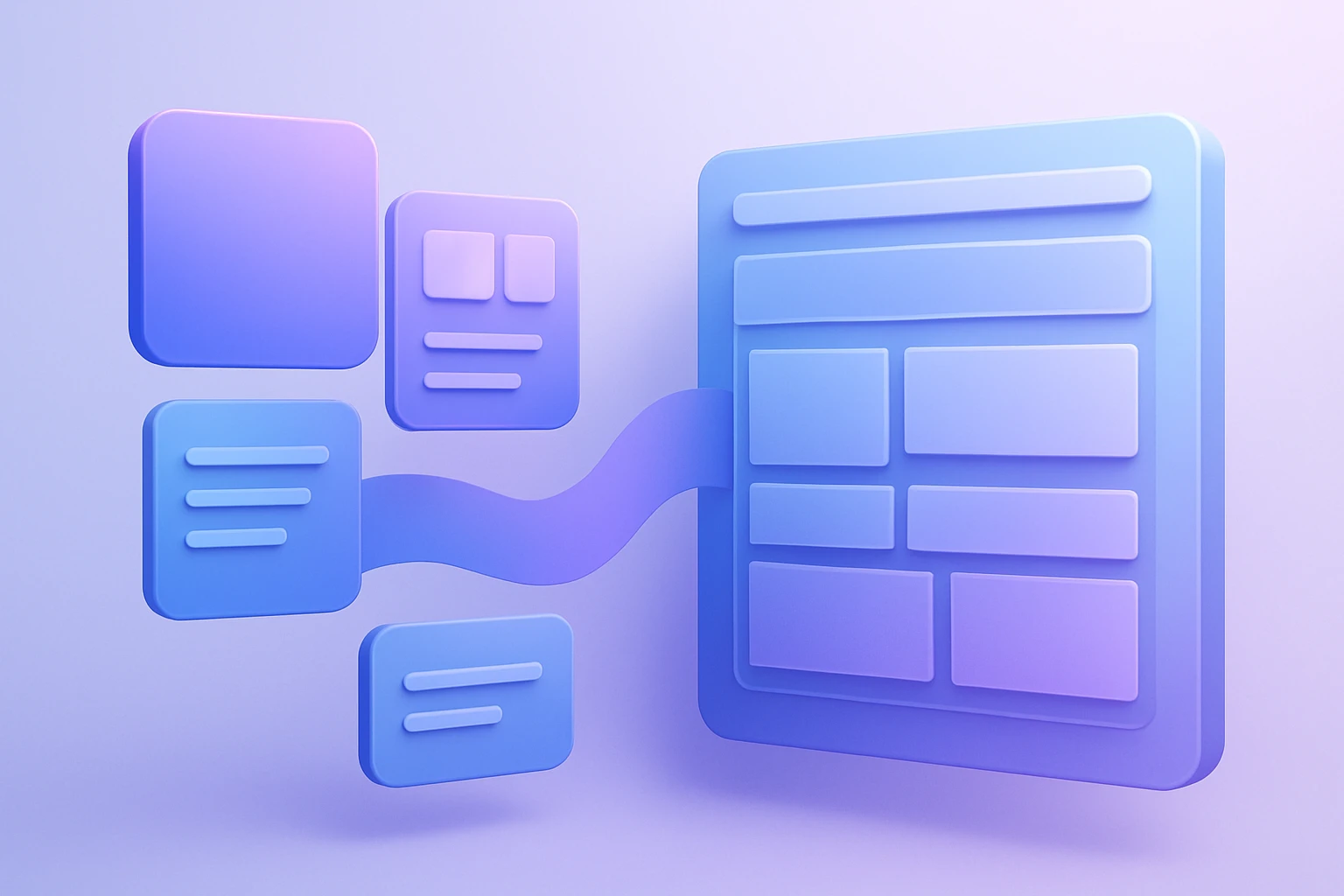
Mastering the Translation: Bridging Figma Components to WordPress Blocks The core challenge of converting a design from Figma to WordPress lies not in the tools, but in the logical mapping of figma components to WordPress blocks. This process, often called design mapping, requires a designer or developer to interpret the visual hierarchy created in Figma Read more…
Transforming Visual Design into Scalable Code with Design Tokens The handoff from designer to developer has historically been one of the most painful bottlenecks in web projects, often resulting in inconsistent colors, mismatched typography, and hours of manual refront. However, the integration of design tokens into a WordPress workflow using Figma tokens has revolutionized this Read more…