
Figma to WordPress With GraphQL
Building a Figma to WordPress with GraphQL workflow is one of the most practical ways to move from static design to a scalable, content-driven site. If your team wants cleaner handoff, stronger design consistency, and a modern data layer, combining Figma, WordPress, and wordpress graphql can be a smart path—especially when paired with wpgraphql figma style token workflows and headless delivery patterns.
For a production-ready implementation, Figma2WP Service can help translate design into a WordPress build approach that supports structured content, reusable components, and future growth. If you want to discuss a project scope or request a conversion plan, Contact Us is the best place to start.
Why this workflow matters for modern websites
Traditional Figma-to-WordPress conversion often focuses only on visuals: spacing, colors, typography, and templates. That is useful, but it does not solve the real problem for most businesses: content needs to stay editable, structured, and easy to expand.
That is where GraphQL changes the conversation. WordPress can expose content through APIs, and GraphQL lets developers request exactly the fields they need instead of overfetching large payloads. In practical terms, that means a design system from Figma can be mapped to a WordPress frontend that is faster to build, easier to maintain, and better suited to scalable content models.
WordPress plugin ecosystems already support this direction. The official Figma-to-WordPress plugin in the Figma Community describes a workflow where designers add the plugin, share a design link, select frames, and let an AI model convert the design into a WordPress theme in minutes.Figma to WordPress Another Figma Community plugin converts Figma designs directly into WordPress website code that can be pasted into the editor.Figma To WordPress Block
Where GraphQL fits into the Figma-to-WordPress pipeline
GraphQL is especially valuable when you are building a site with custom post types, flexible landing pages, case studies, service pages, or multilingual content. Instead of hardcoding content into templates, a frontend can query the exact WordPress fields needed for a component.
A headless or hybrid approach often uses WordPress as the content source and a modern frontend framework or block-based rendering layer on top. An industry overview on this direction notes that modern delivery workflows increasingly rely on REST API or GraphQL and can be deployed on platforms such as Vercel, Netlify, or Cloudflare Pages.How to Convert Figma to WordPress: 6 Easy Methods It also highlights the common theme-build steps that still matter: theme folders, template files, splitting repeated sections, and converting static HTML into dynamic PHP.How to Convert Figma to WordPress: 6 Easy Methods
For teams asking how wpgraphql figma fits in, the answer is usually this: Figma defines the experience, WordPress stores and manages the content, and GraphQL connects the frontend to the content model with precision.
What a strong design-to-content mapping looks like
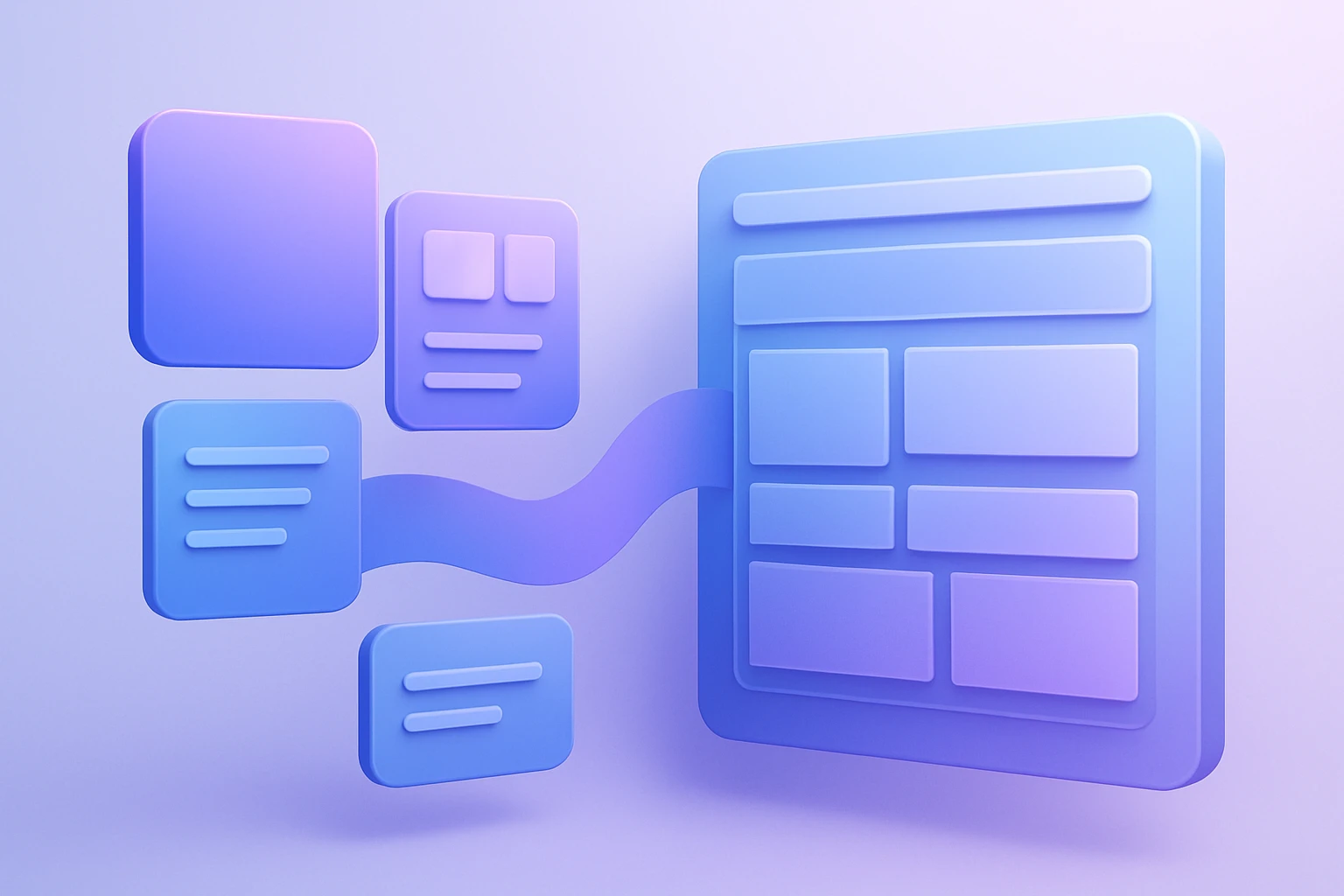
The biggest mistake in Figma-to-WordPress projects is treating Figma artboards as if they were final webpages. In reality, Figma frames should be translated into reusable components and content patterns.
Useful mapping examples
- Hero section in Figma becomes a reusable WordPress block pattern with editable heading, subheading, CTA button, background media, and trust badges.
- Service cards become a repeatable custom post type or a flexible repeater field structure exposed via GraphQL.
- Testimonials become structured content, not hardcoded text inside a template.
- Blog previews can be queried from WordPress by category, tag, or author through GraphQL.
- Case study templates can pull project title, summary, metrics, screenshots, and outcomes from structured fields.
This mapping is what makes the site maintainable after launch. Without it, editors end up fighting the design instead of updating content confidently.
Token-driven consistency from Figma to WordPress
One of the strongest trends in this space is design tokens. Rather than manually recreating colors, font sizes, spacing scales, and other visual values in WordPress, tokens can be exported from Figma and applied to a theme system.
Fueled describes a Figma-to-WordPress automation that exports design tokens directly into a WordPress theme.json file, which controls global design values such as colors, typography, and spacing.From Figma Tokens to WordPress Styles in Minutes The same source explains that the exporter reads variables from Figma and generates a theme.json file or appends styles to an existing one.From Figma Tokens to WordPress Styles in Minutes
This is important because a GraphQL-backed site still needs a design system. GraphQL solves content delivery; tokens solve visual consistency. Together, they create a cleaner pipeline from design to implementation.
When to use WordPress GraphQL instead of a purely visual builder
A visual builder can be useful for speed, but GraphQL becomes more attractive when the site must support:
- Custom content structures
- Large editorial teams
- Multi-language or region-specific experiences
- Structured landing pages with reusable sections
- Marketing sites that need a frontend framework or custom rendering layer
- Performance-sensitive builds where frontend queries should be targeted and predictable
If your project is a brochure site with a few pages, a simpler build may be enough. If it is a product-led website, content hub, or a site expected to scale, WordPress GraphQL is often the better architectural fit.
A practical workflow for Figma to WordPress with GraphQL
Here is a clear workflow that teams can follow when building this kind of project.
- Audit the Figma file and identify reusable sections, page templates, and content types.
- Convert repeated UI patterns into design tokens, components, and variants.
- Define the WordPress content model, including pages, posts, custom post types, categories, tags, and custom fields.
- Install and configure a GraphQL layer in WordPress so the frontend can query content efficiently.
- Map each Figma section to a WordPress block, template part, or component.
- Build the frontend using the chosen stack and connect it to WordPress content via GraphQL.
- Test responsive behavior, editor flexibility, and content editing workflows.
- Launch with documentation so the client or internal team can manage updates without breaking the design system.
This workflow is especially effective when the design team and development team collaborate early. The earlier the content model is defined, the better the final implementation will be.
Real-world implementation patterns that work
Many teams use a hybrid model instead of going fully headless. That means WordPress still powers content management, while the frontend uses modern components, partial API fetching, or a block-based theme approach. This often reduces complexity while preserving the value of GraphQL for structured data retrieval.
A common approach is to keep marketing pages in WordPress blocks, then use GraphQL for dynamic modules such as featured articles, related services, staff profiles, or location-based content. This lets non-technical editors work in WordPress while developers retain control over more advanced rendering logic.
The Quape analysis of future Figma-to-WordPress systems describes the direction clearly: headless WordPress, REST API, and GraphQL are increasingly central to design-system-driven workflows.Future Figma to WordPress: Headless & API-Driven Systems
How to avoid the most common mistakes
Many projects fail because the design file and the CMS model are not aligned. A beautiful Figma file does not automatically produce a manageable WordPress site.
Common mistakes to avoid
- Hardcoding copy into templates instead of creating editable fields.
- Ignoring design tokens and manually recreating styles in multiple places.
- Building overly complex custom fields for simple content.
- Using too many one-off page templates instead of component-based patterns.
- Connecting GraphQL too late, after the frontend architecture has already been locked in.
- Forgetting to test mobile behavior, spacing consistency, and content overflow.
The safest approach is to define structure before implementation. That is how you prevent expensive redesigns later.
Useful tools and ecosystems around the workflow
A modern Figma-to-WordPress build usually touches more than one platform. Depending on the project, teams may use tools for export, design systems, prototyping, hosting, and content editing.
- Figma for design and component systems.
- WordPress for content management and publishing.
- WPGraphQL for GraphQL access to WordPress content.
- theme.json for global style configuration in modern WordPress themes.
- Next.js for headless frontends when a React-based architecture is preferred.
- Vercel for deployment of frontend applications.
- Netlify for static and Jamstack-style hosting workflows.
- Cloudflare for edge delivery and performance optimization.
- Elementor for teams that want a visual WordPress build path.
- Advanced Custom Fields for structured WordPress fields in hybrid builds.
These tools are not interchangeable, and the right stack depends on the website’s scale, content workflow, and internal team capabilities.
Example scenario: a B2B services website
Imagine a B2B company that wants to redesign its website in Figma and launch a WordPress site with room to grow. The homepage includes a hero section, trust logos, service cards, testimonials, and a featured insights area. The service pages need consistent layouts, but each service has unique copy and supporting proof points.
In this case, the best implementation is usually not to flatten everything into static pages. Instead, the team should create reusable content types and blocks, then expose them through WordPress GraphQL so the frontend can render different page types from a common design system.
The result is a site where marketing can update content quickly, developers can maintain the architecture cleanly, and the design stays aligned with the original Figma system.
Example scenario: content-heavy publishing site
Now consider a media or publication website. Editors need to publish articles daily, while the homepage, category pages, and author pages must remain fast and visually consistent.
Here, GraphQL is especially valuable because the frontend often needs tightly controlled queries for latest posts, related content, author metadata, and topic-based lists. Figma helps define the editorial layout, but WordPress and GraphQL manage the data relationships behind the scenes.
This is also where a token-driven design system helps. Typography, spacing, and card styles can be exported from Figma and applied consistently so the site feels unified even as content volume grows.
What a strong agency or service partner should deliver
If you are hiring a team for this kind of project, the delivery should go beyond a simple visual clone. A serious implementation should include:
- A content model that matches the Figma architecture.
- Reusable WordPress blocks or components.
- GraphQL-ready data structures.
- Responsive behavior tested across major devices.
- SEO-friendly markup and metadata handling.
- Clear editor documentation for internal teams.
- Performance planning for images, scripts, and content queries.
That is the difference between a short-term build and a scalable web platform.
Why teams choose Figma2WP for this kind of project
For businesses in the USA, UK, and Canada, a Figma-to-WordPress workflow is often chosen to reduce friction between design and development while keeping content management simple. Figma2WP Service is positioned for teams that want a practical path from Figma designs to a WordPress implementation that can support structured content and modern delivery patterns.
If your team is planning a build that may involve wordpress graphql, design tokens, reusable blocks, or a hybrid/headless approach, discussing the architecture early can save time and rework later. You can start that conversation through Contact Us.
How to think about SEO in a GraphQL-driven WordPress build
SEO should not be an afterthought in headless or GraphQL-based builds. The rendering architecture changes, but search visibility still depends on crawlable content, proper metadata, internal linking, semantic headings, and fast loading pages.
In many cases, the safest SEO approach is to keep content renderable on the server or through a framework that supports pre-rendering. That way, search engines can access the page content without depending entirely on client-side scripts. Structured content also helps editors manage titles, descriptions, and schema-friendly content blocks more reliably.
Final thoughts for teams planning the move
Figma to WordPress with GraphQL is not just a technical integration. It is a way to align design systems, content operations, and frontend delivery into one coherent workflow. When the project is planned properly, teams gain cleaner handoff, stronger consistency, and more flexibility for future growth.
Whether you are exploring a traditional WordPress build, a hybrid implementation, or a more advanced headless architecture, the key is to connect the design file to the content model before the build begins. If you are ready to move from concept to implementation, Figma2WP Service can help turn the process into a structured, scalable workflow, and Contact Us is the easiest way to begin.

More From Our Blog

Mastering the Translation: Bridging Figma Components to WordPress Blocks The core challenge of converting a design from Figma to WordPress lies not in the tools, but in the logical mapping of figma components to WordPress blocks. This process, often called design mapping, requires a designer or developer to interpret the visual hierarchy created in Figma Read more…
Transforming Visual Design into Scalable Code with Design Tokens The handoff from designer to developer has historically been one of the most painful bottlenecks in web projects, often resulting in inconsistent colors, mismatched typography, and hours of manual refront. However, the integration of design tokens into a WordPress workflow using Figma tokens has revolutionized this Read more…